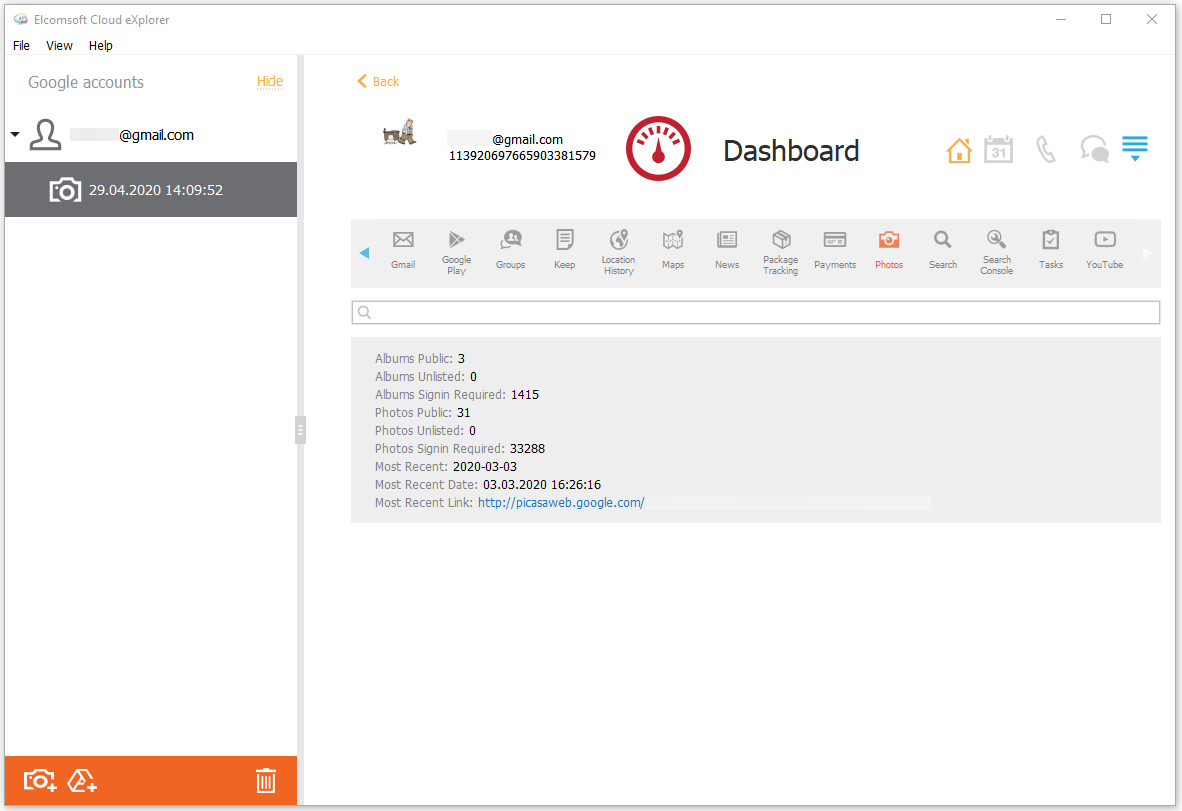
In the Photos section of the Dashboard plugin, you can view the information from the Google Photos service, such as:
•Albums Public: number of the albums
•Albums Unlisted: number of the albums
•Albums Signin Required: number of the albums
•Photos Public: number of the photos
•Photos Unlisted: number of the photos
•Photos Signin Required: number of the photos
•Most Recent: date of the most recent photo
•Most Recent Date: date, time, and timezone of the most recent photo
•Most Recent Link: the link to the most recent photo
To perform searches in the Photos section, fill the search field and press Enter. The search results will be highlighted in yellow.