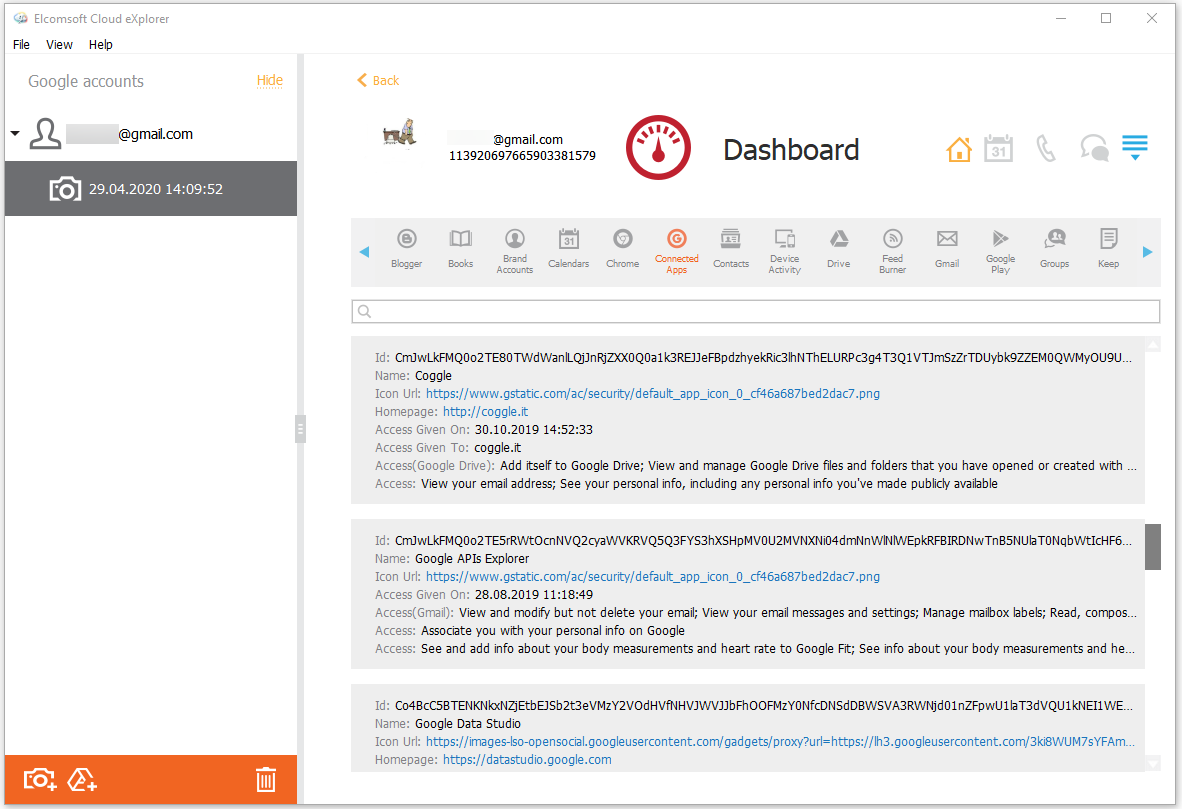
In the Connected Apps section of the Dashboard plugin, you can view the information on the applications connected to the account, such as:
•Id
•Name
•Icon Url: the link to the application icon
•Homepage: the link to the application homepage
•Access Given On: date, time, and timezone
•Access Given To
•Access: the access type
To perform searches in the Connected Apps section, fill the search field and press Enter. The search results will be highlighted in yellow.